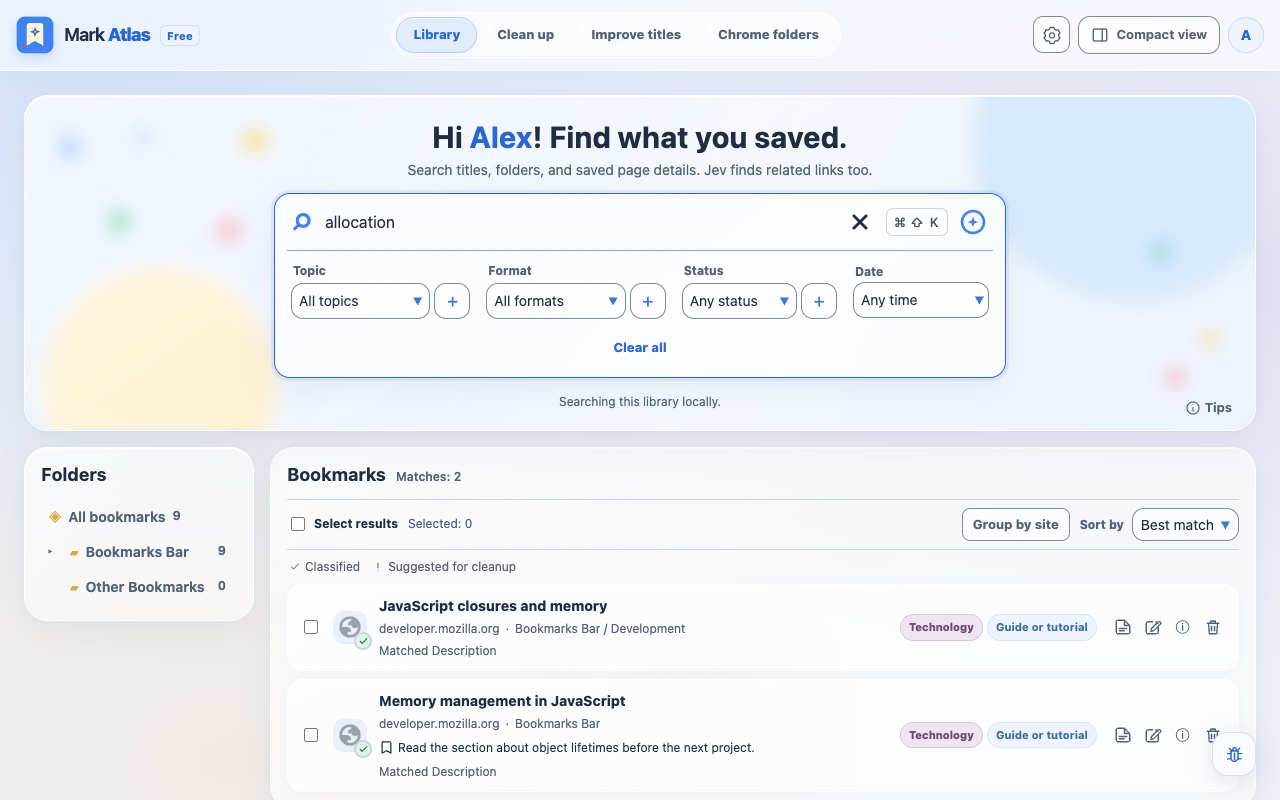
Find more than a title.
Search titles, links, folders, labels and saved page text. Filter by Topic, Format or Status, and see what matched. Jev can suggest related links when hosted allowance or a personal key is available.
 Mark Atlas
Your Chrome bookmarks, brought together
Good pages deserve a second visit.
Search, review and organize the bookmarks you already have.
The tools for a better bookmark library
From the page you saved last week to the folders you’ve built over years.
Search titles, links, folders, labels and saved page text. Filter by Topic, Format or Status, and see what matched. Jev can suggest related links when hosted allowance or a personal key is available.
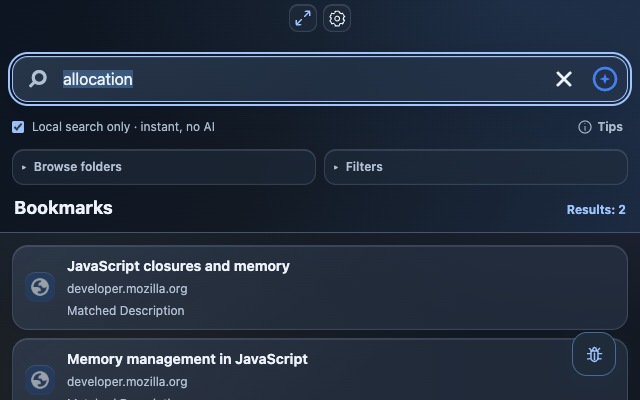
Keep personal notes, extra search words and a Saved for later queue. Use the full Library or a compact side panel, with light and dark appearance and 12 interface languages.
Review exact duplicate links and pages whose last check returned 404 or 410. Choose what to remove, then confirm permanent deletion. Your review comes before cleanup.
Preview Topic and Format folders or shape your own layout. Create copies by default, or move existing bookmarks into the new structure while keeping their IDs and saved details. Undo restores the previous layout.
Generate shorter title suggestions with Groq when beta allowance is available. Review and edit the preview before applying it, then restore the original title whenever you need it.
Export bookmarks, page details, notes, labels and settings in a JSON backup. Preview a restore before applying it. API keys and sign-in tokens stay out of the export.
Built around your Chrome library
Bookmark details, notes and labels stay in your Chrome profile. Local search remains usable after hosted AI allowance runs out.
Read the privacy policyGoogle sign-in is required to enter the full and compact Library. Free Beta includes limited hosted AI allowance. PRO is coming soon; no live paid checkout is available.
Disclosed AI features send bounded bookmark context to TypeSafe, OpenAI or Groq. Your library stays in Chrome unless you explicitly share a selected-folder snapshot through the separate beta connector.
Get support